Tech · Beginner to Advanced · Handwritten PDF notes
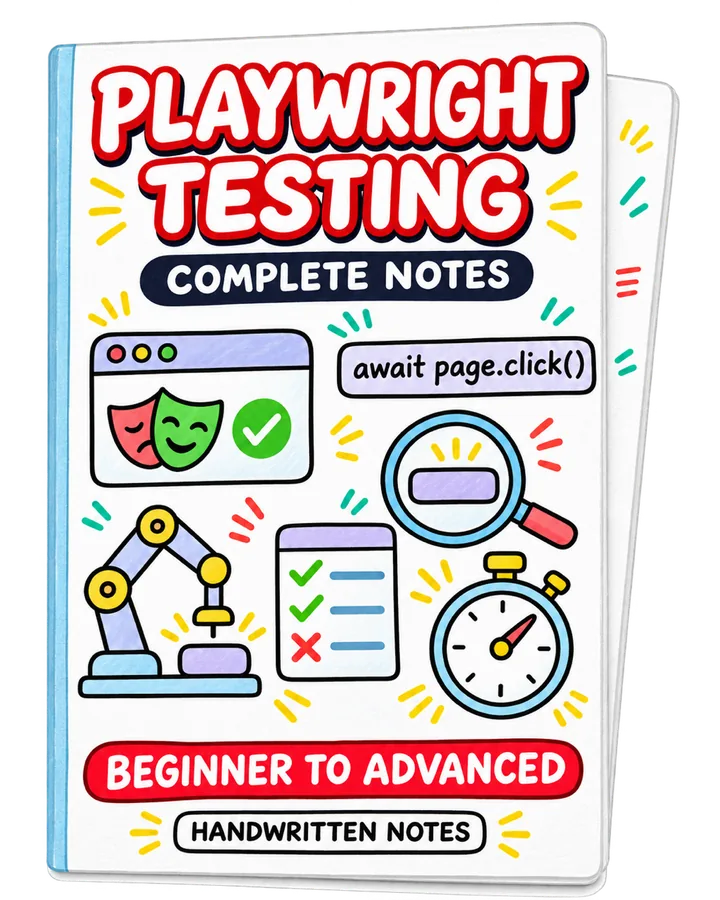
Playwright Testing Complete Notes
Instant PDF download after payment. Pay once, keep forever.
- Instant download
- Lifetime access
- UPI, GPay, PhonePe, cards
Complete coverage
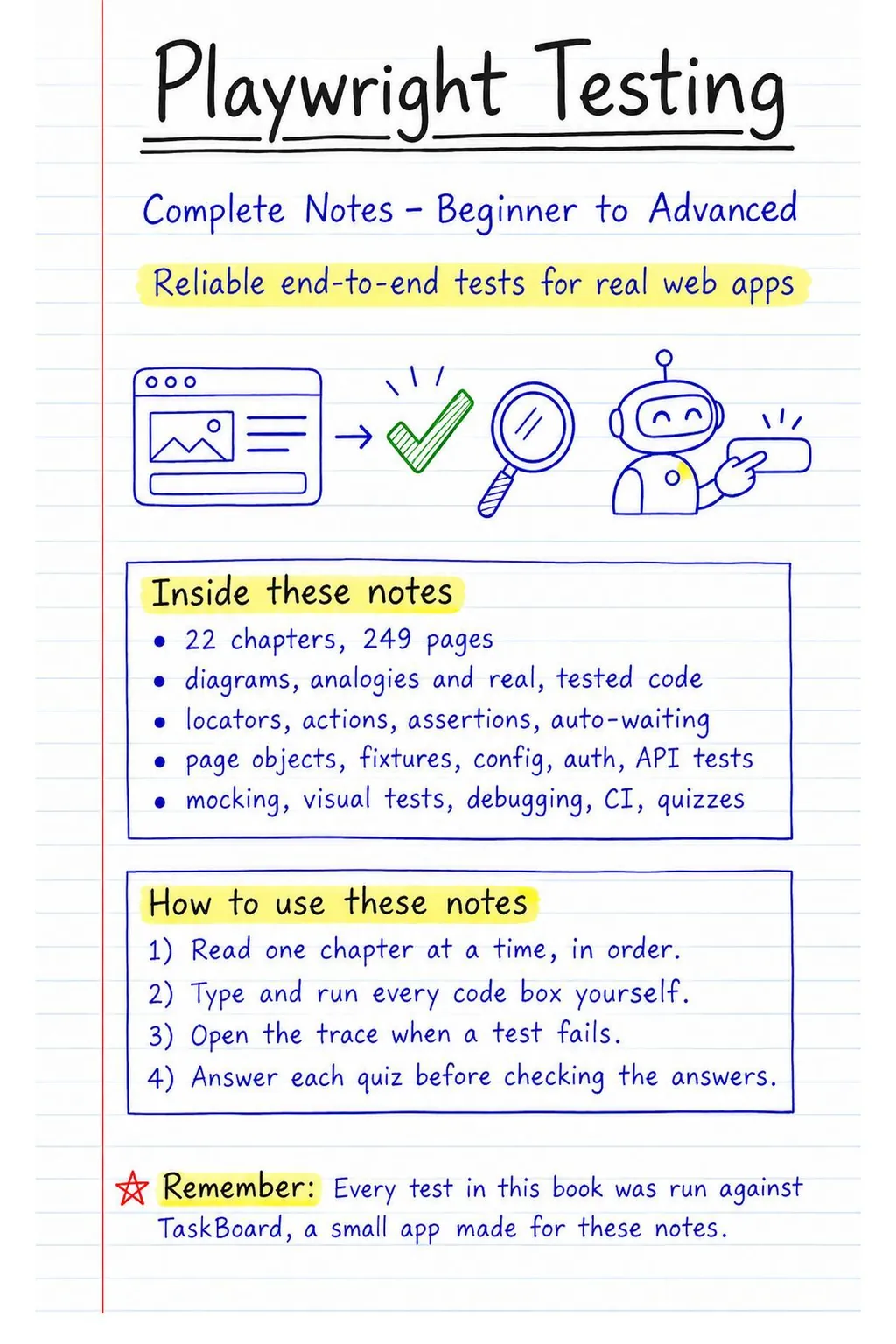
What you learn in all 22 chapters
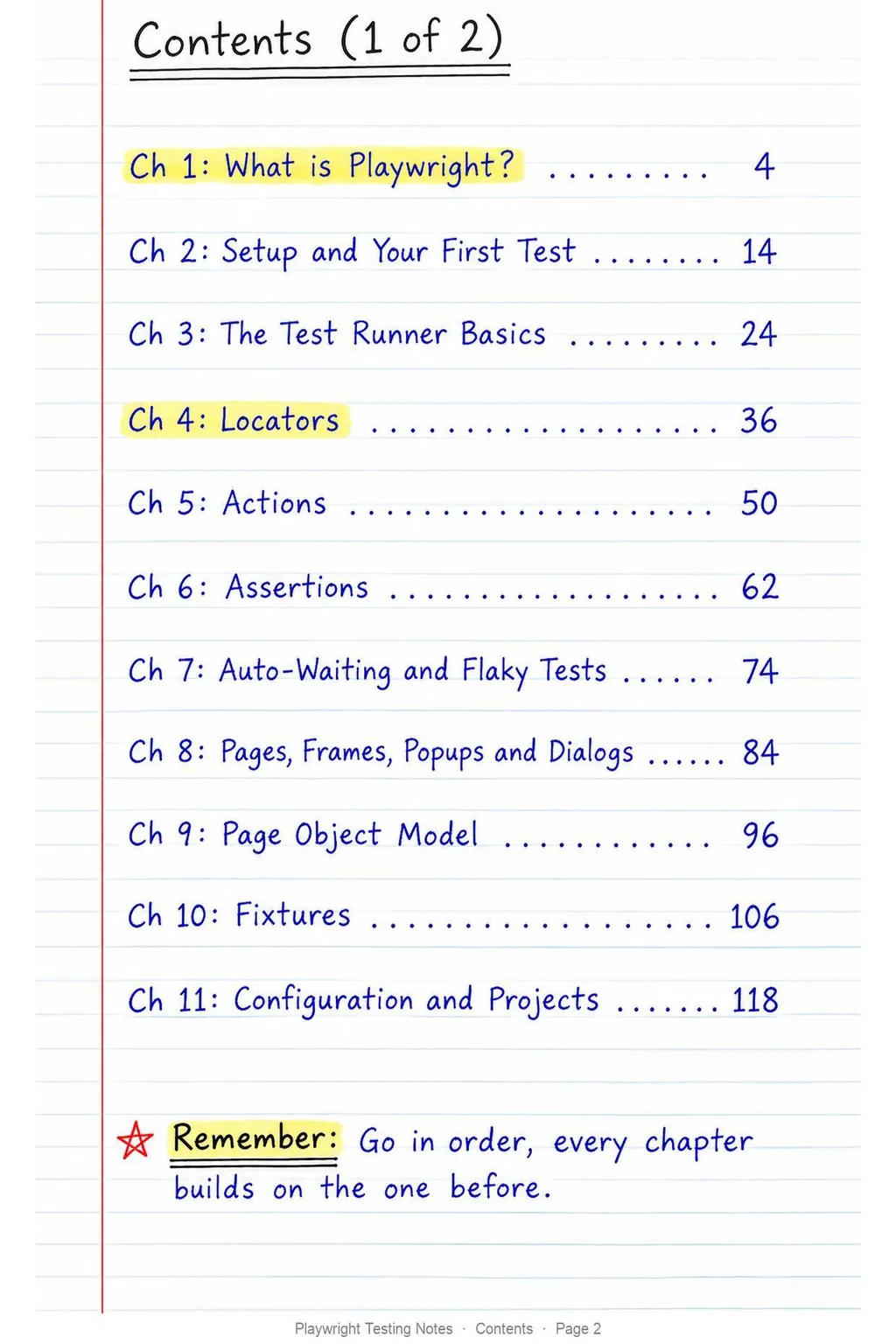
Open any chapter to see every topic it covers and the page it is on.
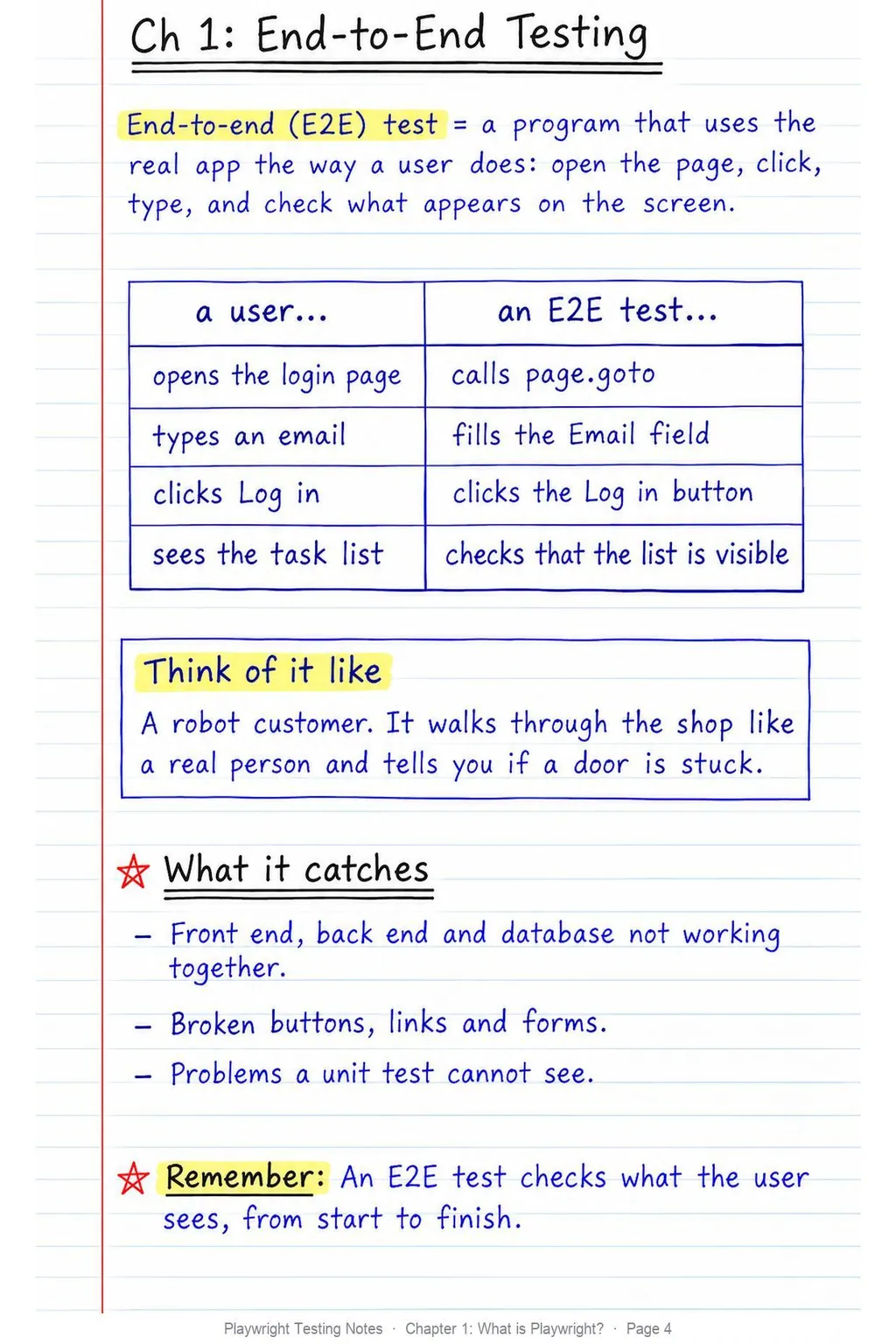
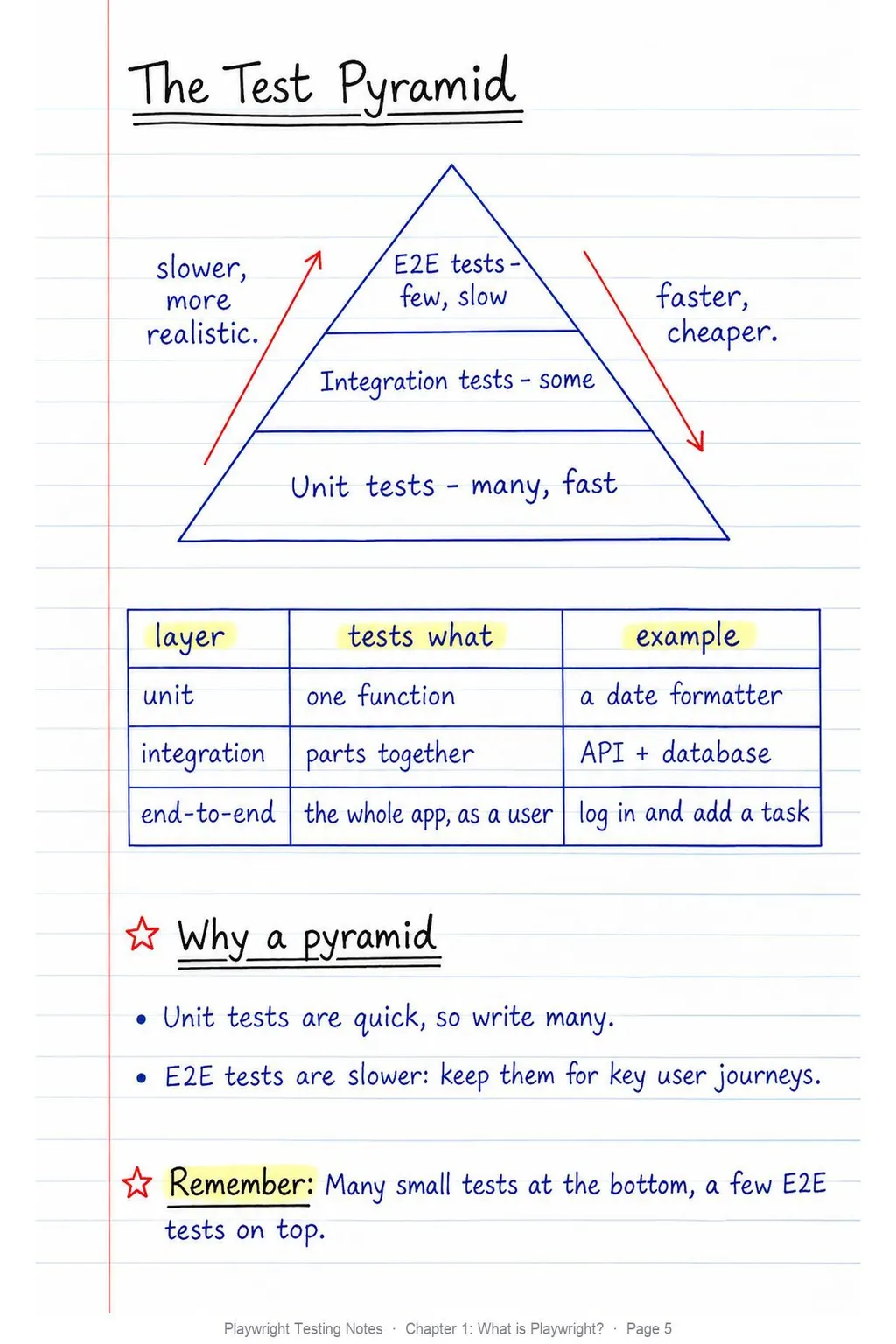
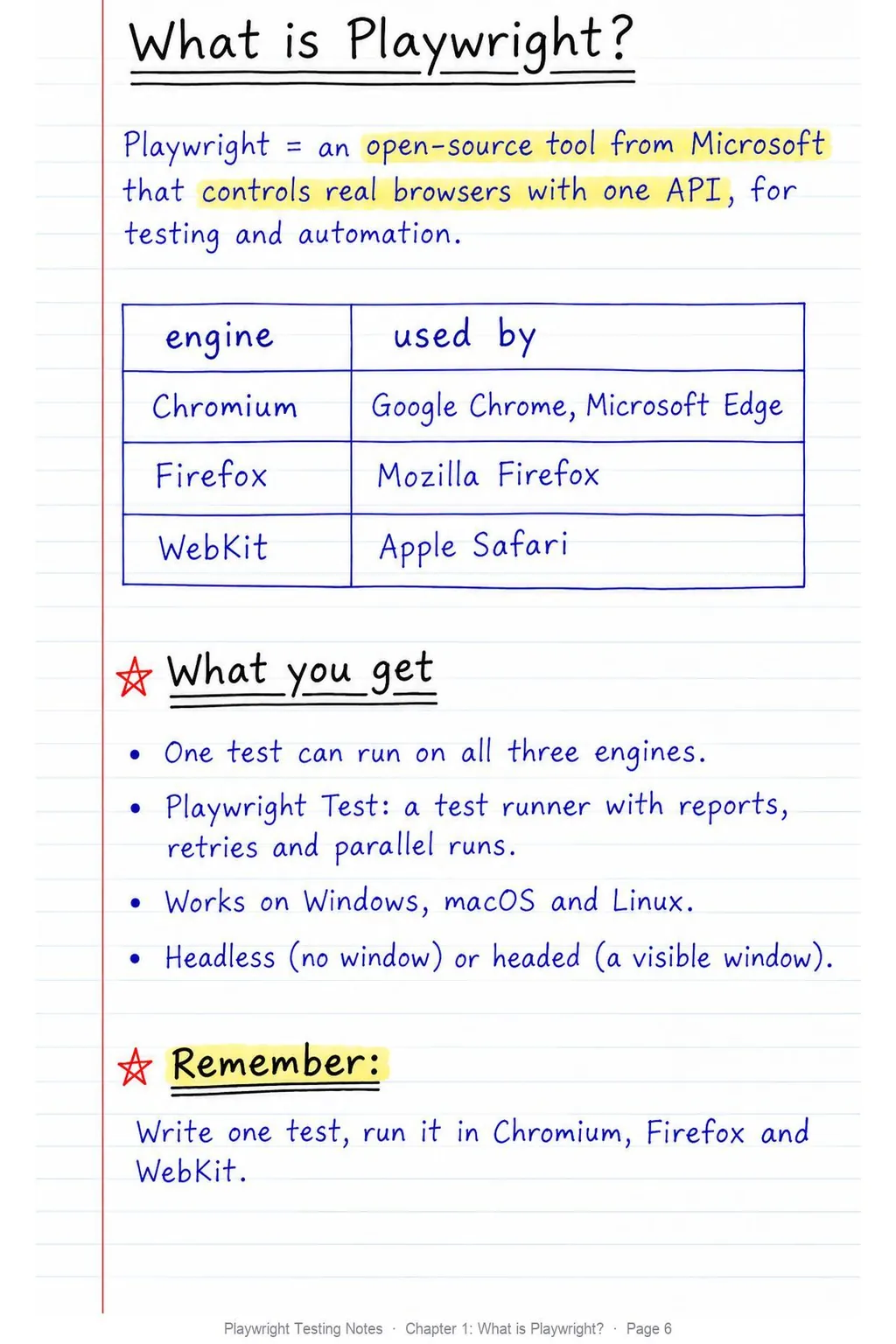
Understand where Playwright fits: end-to-end testing, the test pyramid, how Playwright works, how it compares with Selenium and Cypress, the browser, context and page model, supported languages, and the TaskBoard app.
Get Playwright running: install it, learn the project layout, write your first test, run it headless or headed across browser projects, read the output and HTML report, and see why every call is awaited.
Master the test runner: test() and test.describe, hooks, fresh contexts per test, only, skip, fixme and fail, tags and --grep, annotations, test.step, parameterized tests, three kinds of timeout, and retries.
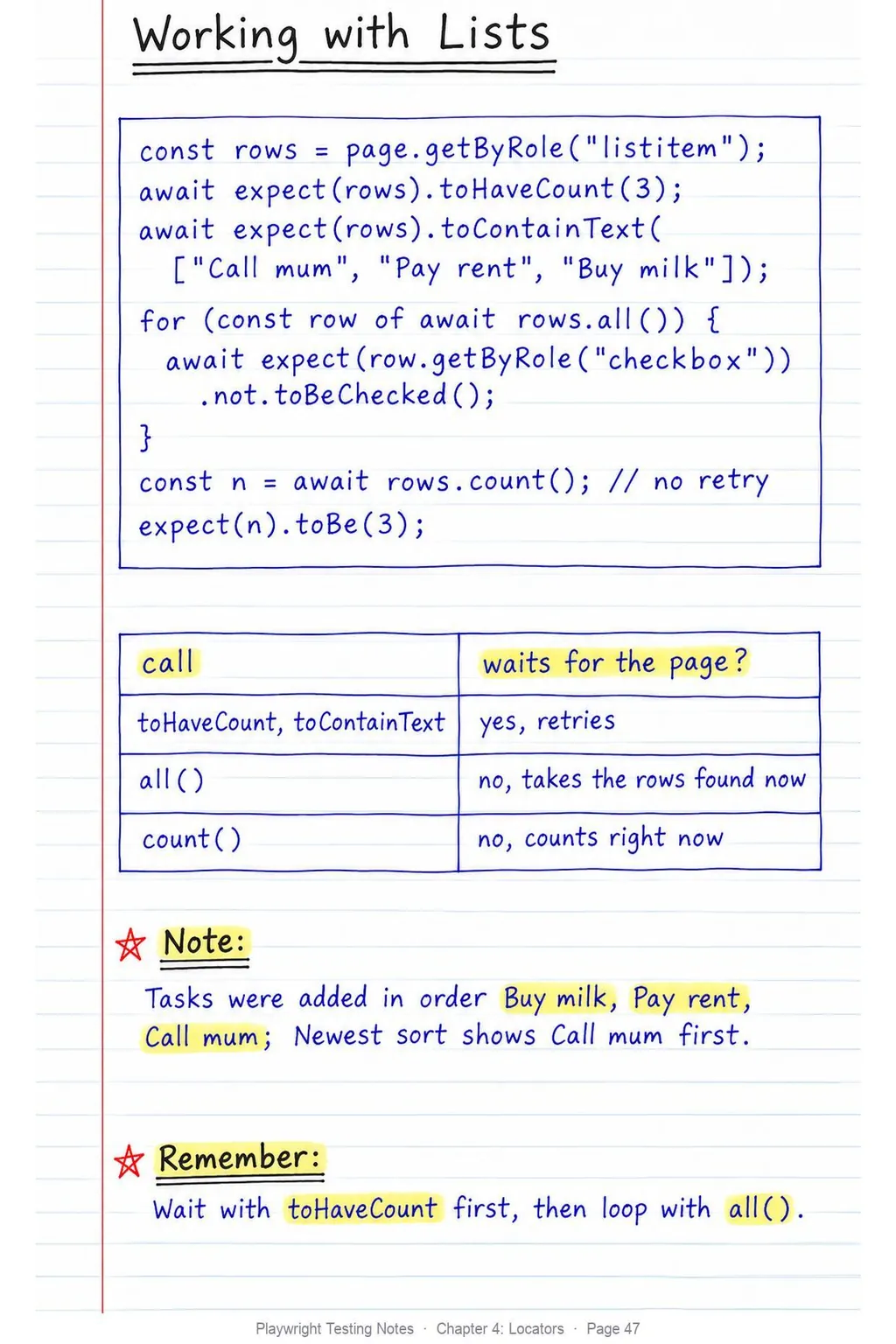
Find elements the way users do: locator priority, getByRole, getByLabel, getByPlaceholder, getByText, test ids, CSS and XPath as a last resort, chaining and filtering, strict mode, lists, and Codegen and Pick Locator.
Drive the page with actions: goto and baseURL, click variants, fill versus pressSequentially, keys, check and selectOption, hover, file uploads, dragTo, actionability checks, why force: true hides bugs, and a TaskBoard add-and-complete test.
Check results with web-first assertions: auto-retrying checks for visibility, text, value, attributes, state, count, URL and title, negation with .not, expect.soft, the await trap with generic expect, and expect.poll.
Stop flaky tests at the source: how auto-waiting works, why fixed sleeps are bad, waiting for responses and URLs, load states and why not networkidle, common flakiness causes, a race condition and its fix, --repeat-each, and a stable test checklist.
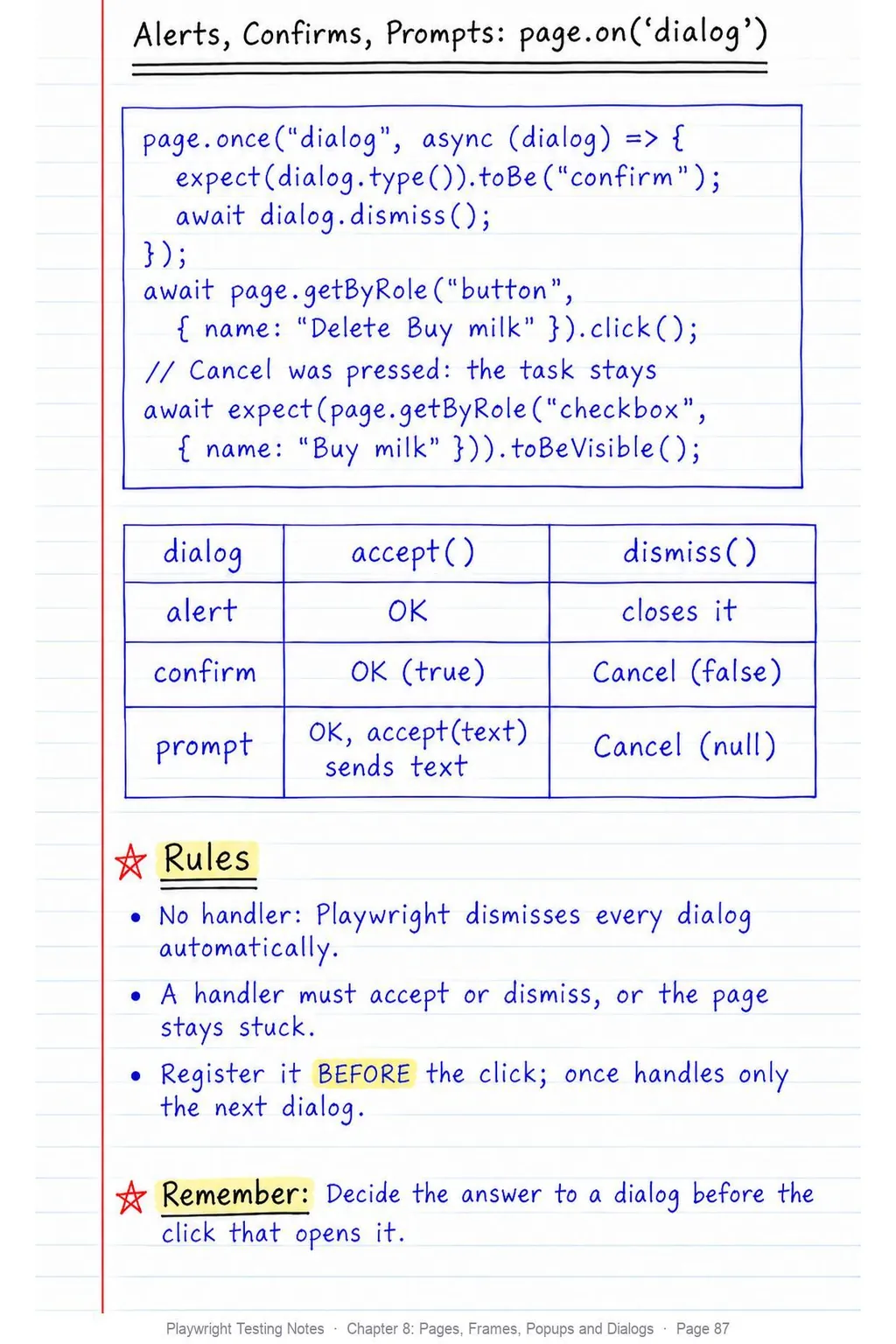
Handle everything beyond a single page: navigation, new tabs, popups, dialogs, iframes, downloads, two contexts for two users, page.evaluate, console and page errors, screenshots, and a TaskBoard delete confirmation.
Organize UI tests with the Page Object Model: why page objects help, LoginPage and TaskPage classes, using them in tests, readonly locator fields, where assertions go, component objects, common mistakes, and folder layout.
Share setup cleanly with fixtures: built-in fixtures, test.extend, page objects as fixtures, setup and teardown around await use(), test versus worker scope, automatic and option fixtures, mergeTests, and fixtures versus beforeEach.
Configure the whole suite: playwright.config.ts, use options, projects per browser, device emulation, webServer, test matching, retries and workers, timeouts, environment variables and .env files, project dependencies, and the TaskBoard config.
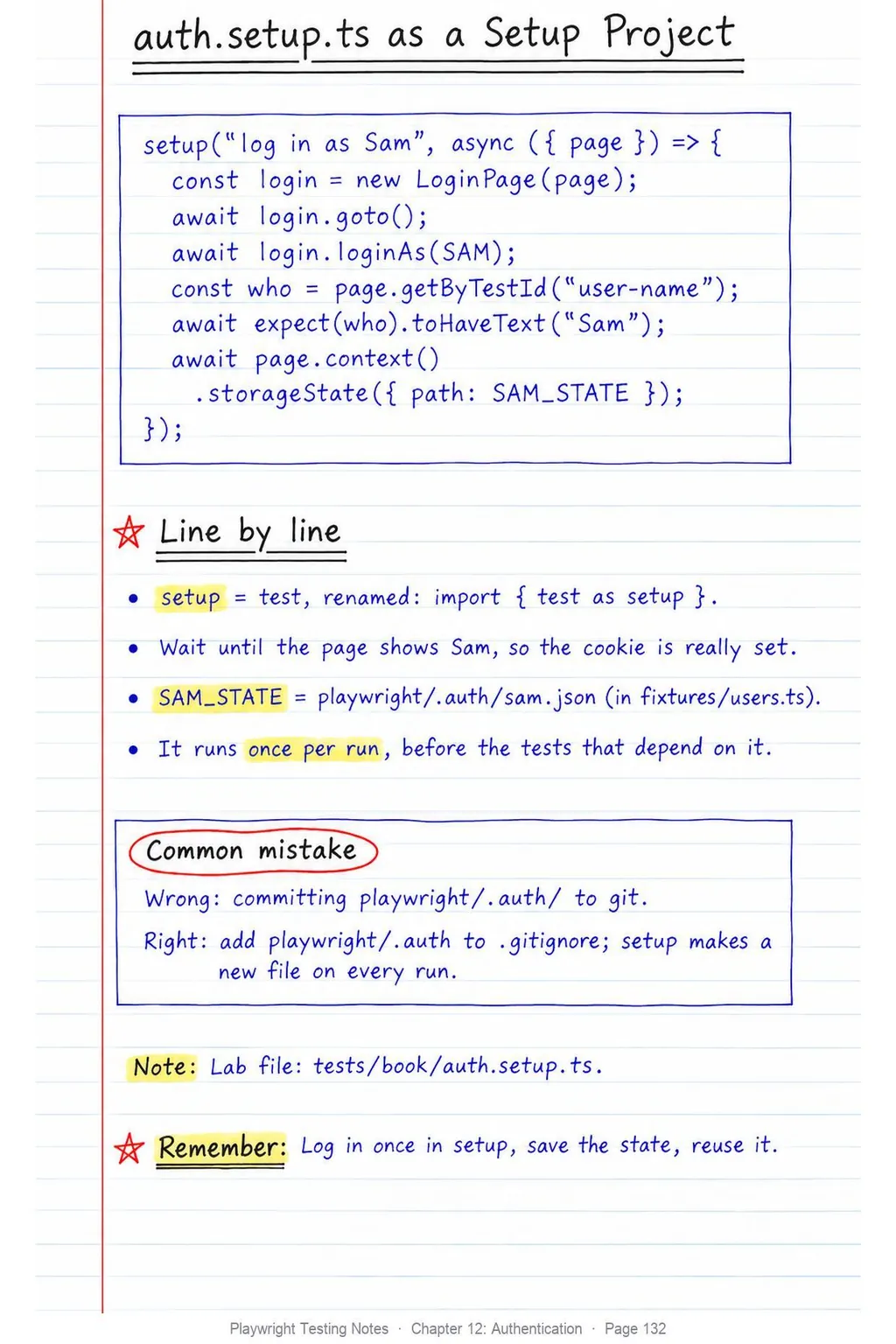
Log in once, not in every test: storageState, an auth setup project, reusing saved state, logging in through the API, multiple roles, logged-out tests, keeping passwords out of Git, and common auth pitfalls.
Test the backend directly: the request fixture, GET, POST, PUT and DELETE, status codes and toBeOK, request contexts with headers, checking response shape, mixing API and UI checks, and common mistakes.
Control the network: route.fulfill with JSON, route.abort, route.fetch with changed responses, URL patterns, empty and 500 error states, slow responses, HAR recording and replay, context.route versus page.route, and when mocking goes too far.
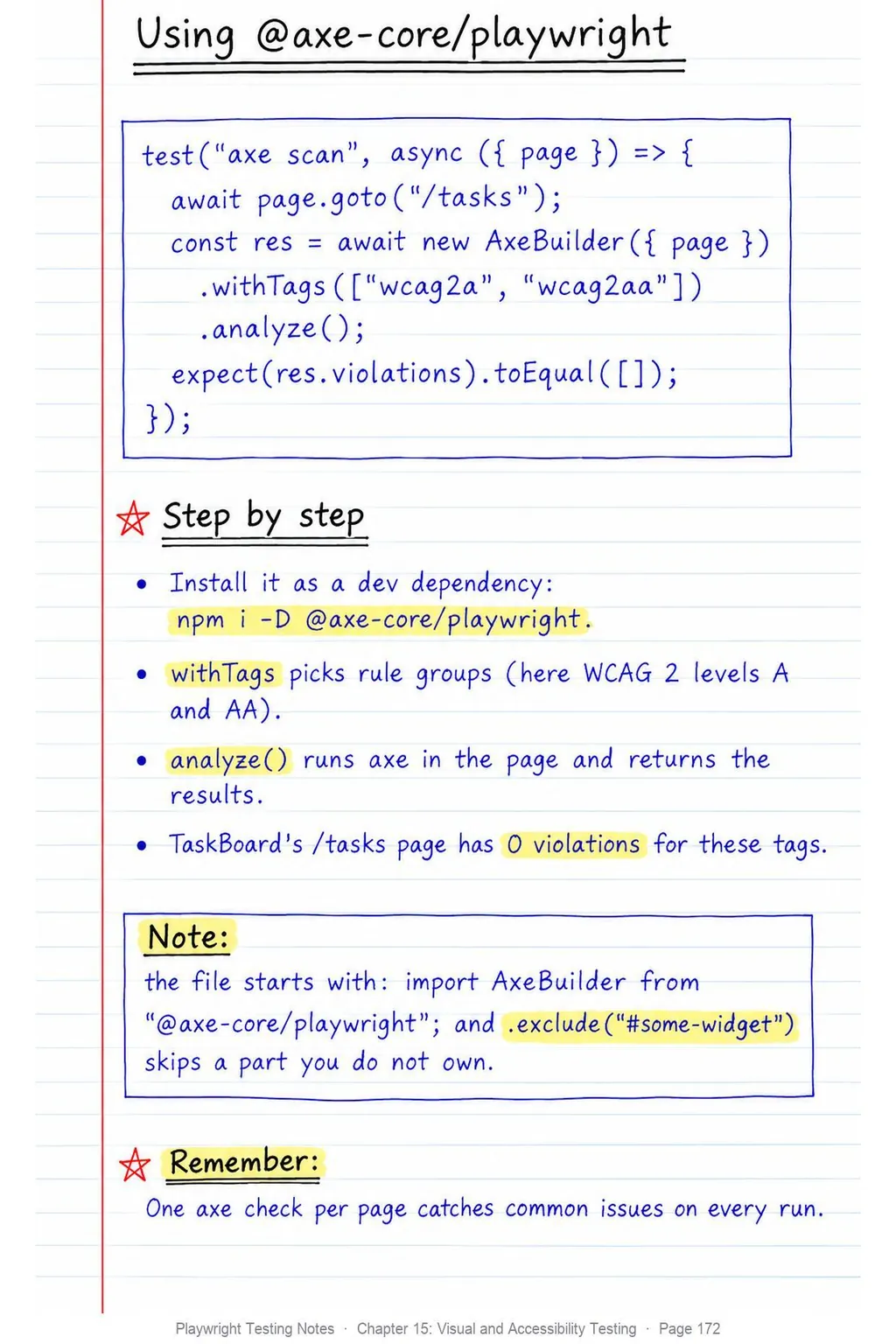
Catch visual and accessibility problems: toHaveScreenshot and baselines, --update-snapshots, maxDiffPixels and threshold, masking dynamic parts, why baselines differ by OS and browser, ARIA snapshots, and axe-core accessibility checks.
Test different environments: viewport and mobile emulation, locale and timezone, geolocation and permissions, dark mode, offline mode, page.clock, local storage and cookies, addInitScript, and Chromium, Firefox and WebKit coverage.
Debug faster with the tools: UI mode, --debug and the Inspector, page.pause(), Codegen, Trace Viewer, trace on first retry, reading a failure, the VS Code extension, locators that find nothing, flaky traces, and a debugging checklist.
Run tests in CI: reporters, a GitHub Actions workflow, installing browsers with --with-deps, uploading the report as an artifact, forbidOnly, retries and workers, the Playwright Docker image, secrets, and why tests pass locally but fail in CI.
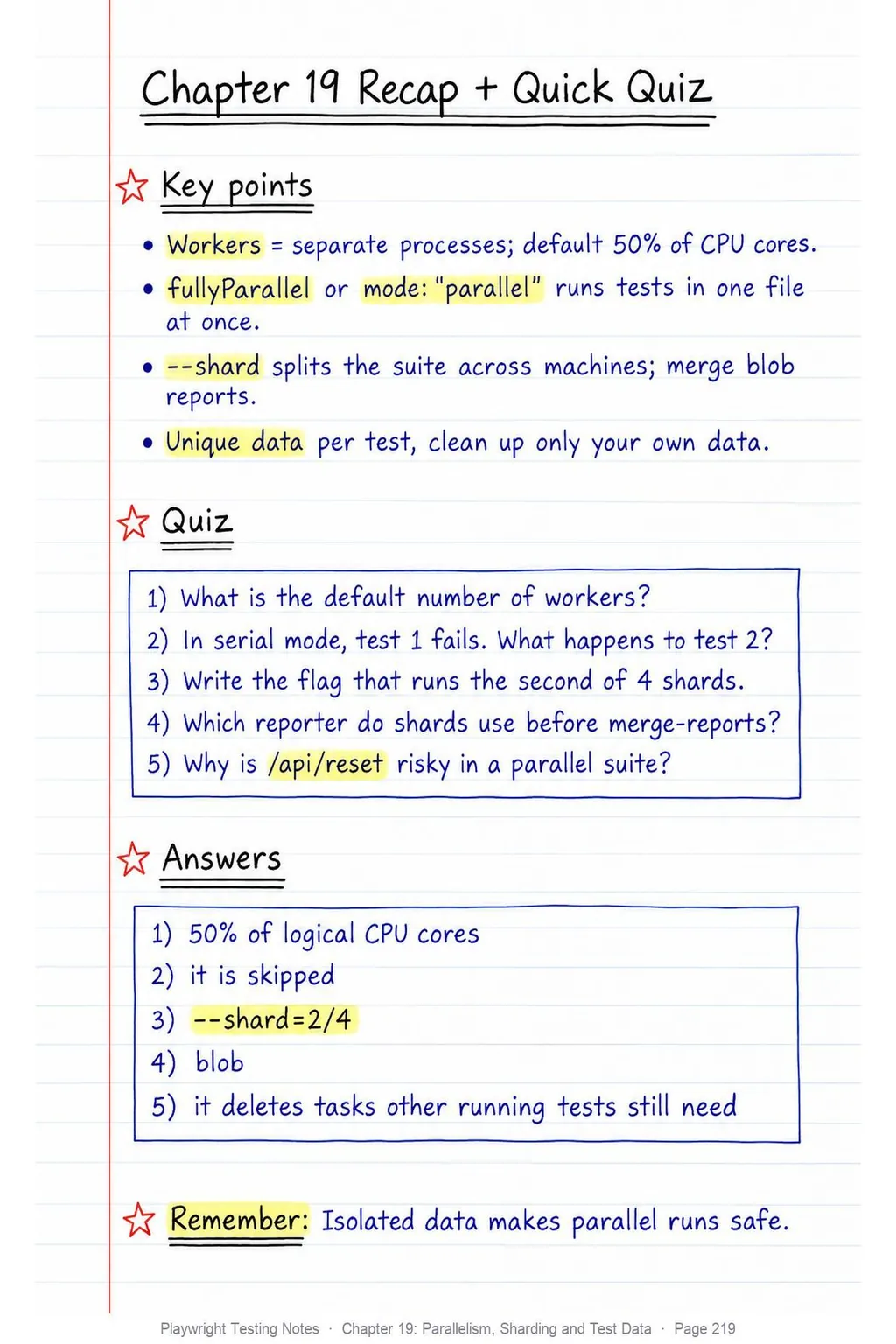
Scale the suite: workers, fullyParallel, serial mode and why to avoid it, sharding with --shard, blob reports and merge-reports, unique test data, cleanup, global setup and teardown, and ways to speed up a suite.
Build a suite that lasts: what to test end to end, testing user-visible behaviour, independent tests, naming, DRY versus readable, test ids as a contract, a flaky-test policy, mapping to user journeys, and a review checklist.
Use Playwright from Python: pytest-playwright setup, the page fixture, locators and expect, pytest fixtures, flags like --headed, --browser and --tracing, sync versus async APIs, and TypeScript versus Python side by side.
Pull it all together: plan and build a full TaskBoard suite with auth setup, page object UI tests, API and mocked tests, CI and reports, then review with cheat sheets, top mistakes, interview questions and a learning roadmap.
Watch before you buy
Students on All Notes PDF
Real students talking about how they revise with our handwritten notes.
How it works
Get your notes in 3 easy steps
No app, no waiting. The whole thing takes under a minute.
- STEP 110 sec
Choose your notes
One subject, any two, or a full class set.
- STEP 230 sec
Pay with UPI or card
GPay, PhonePe, Paytm or card. Pay once, no subscription.
- STEP 3Instant
Download your PDFs
Tap Download on any chapter. Links never expire.
- Log in
- My library
- Download
What you get
- Format
- Downloadable PDF (not a printed book)
- Chapters
- 22 chapters in one 249 page PDF
- Level
- Playwright Testing from beginner to advanced. No experience needed
- Style
- Handwritten-style notes with diagrams, code explained line by line, common mistakes and quizzes
- Devices
- Phone, tablet and laptop. Print any chapter if you like
- Access
- Lifetime. Download again anytime from My library
- Instant downloadRight after payment
- Free updatesCorrections added free
- Secure paymentUPI, cards, net banking