Tech · Beginner to Advanced · Handwritten PDF notes
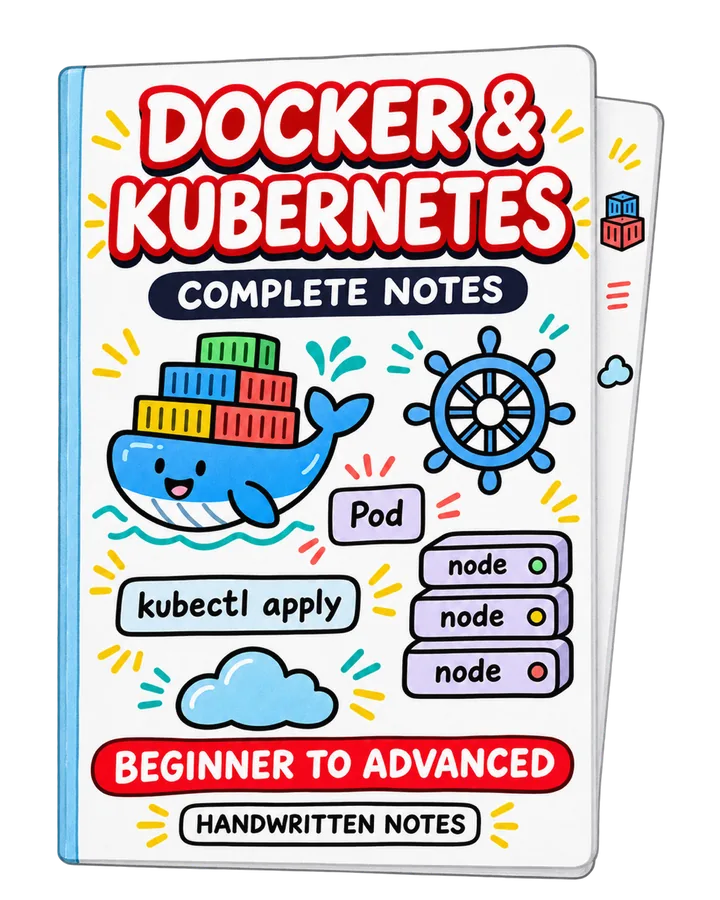
Docker & Kubernetes Complete Notes
Instant PDF download after payment. Pay once, keep forever.
- Instant download
- Lifetime access
- UPI, GPay, PhonePe, cards
Complete coverage
What you learn in all 22 chapters
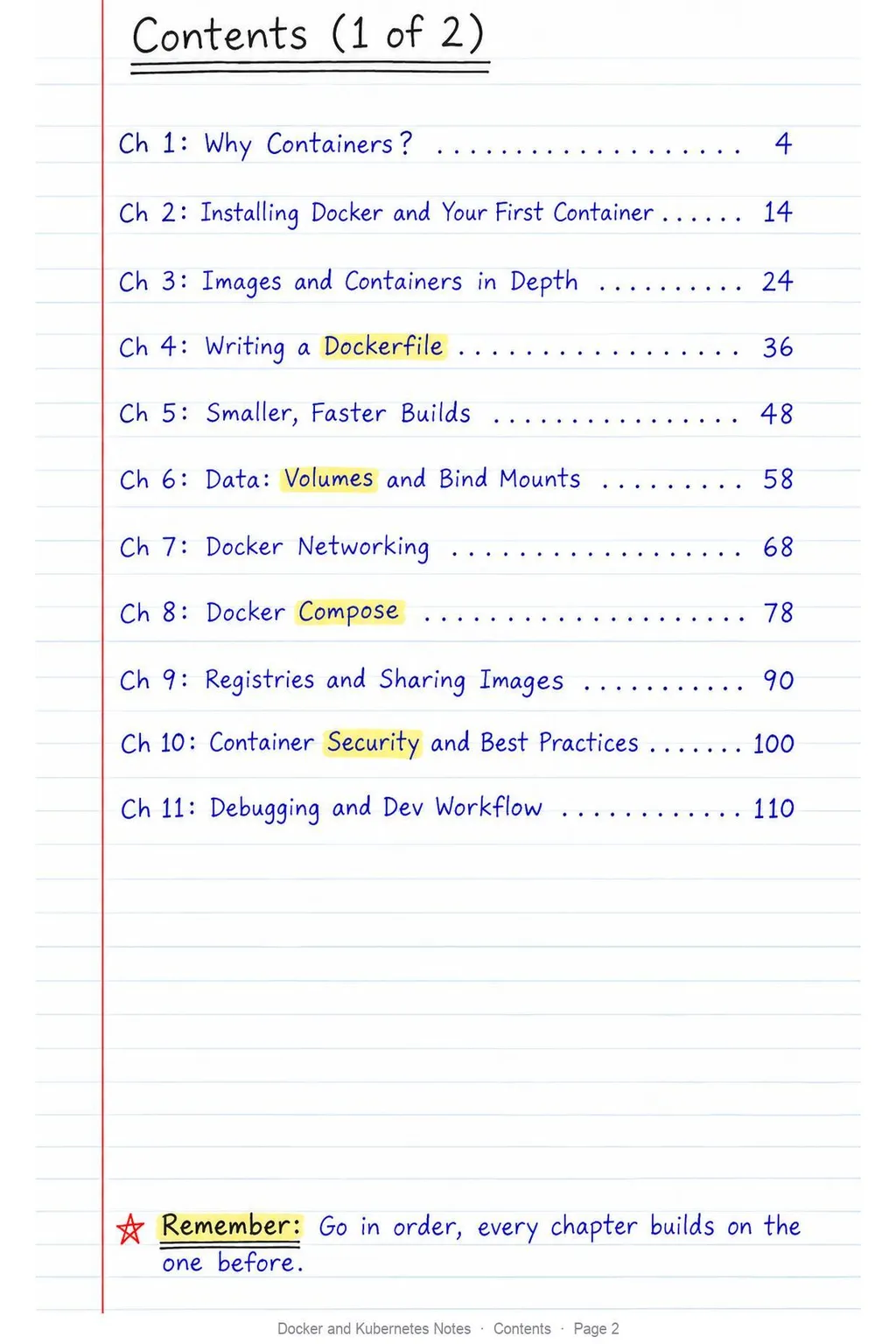
Open any chapter to see every topic it covers and the page it is on.
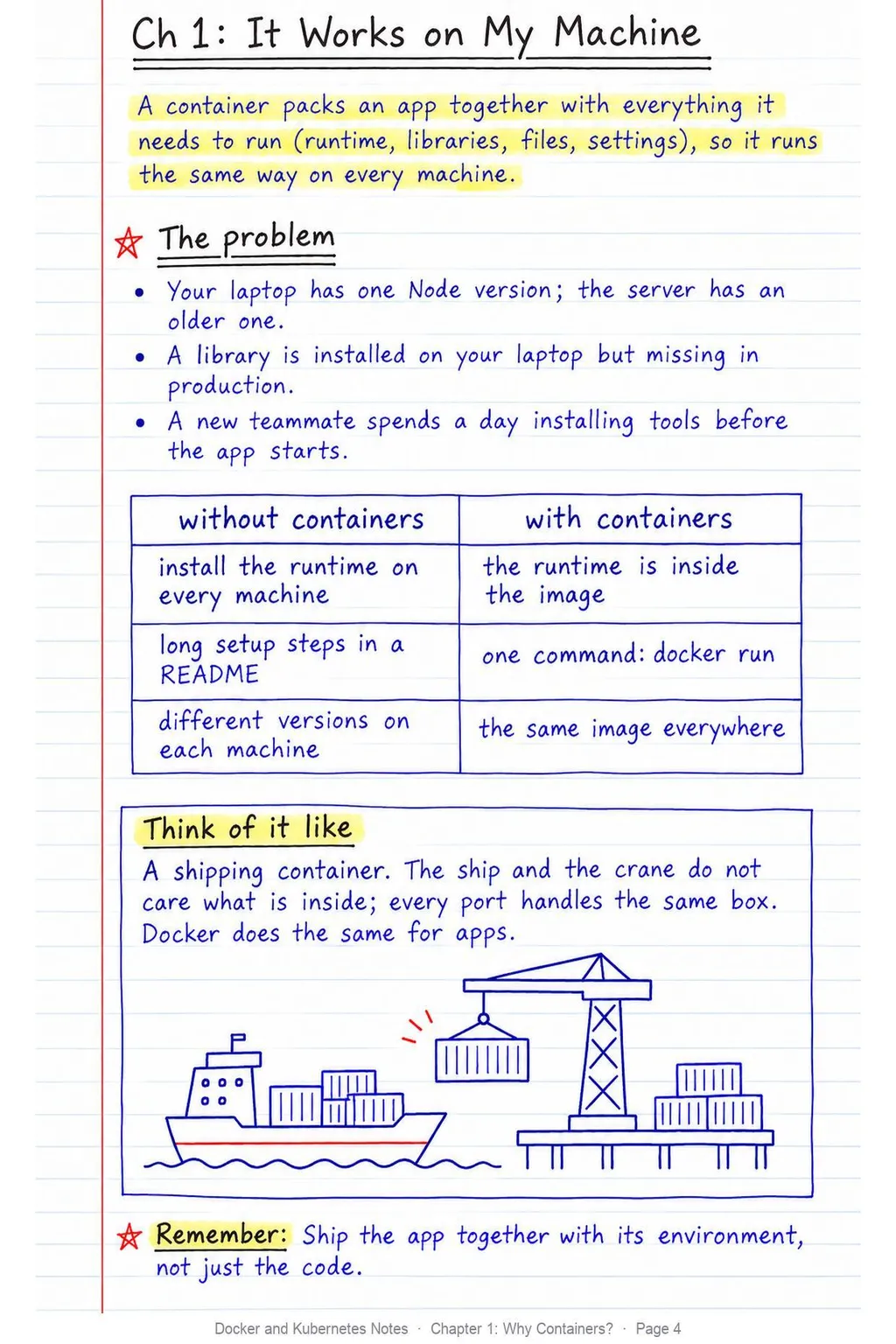
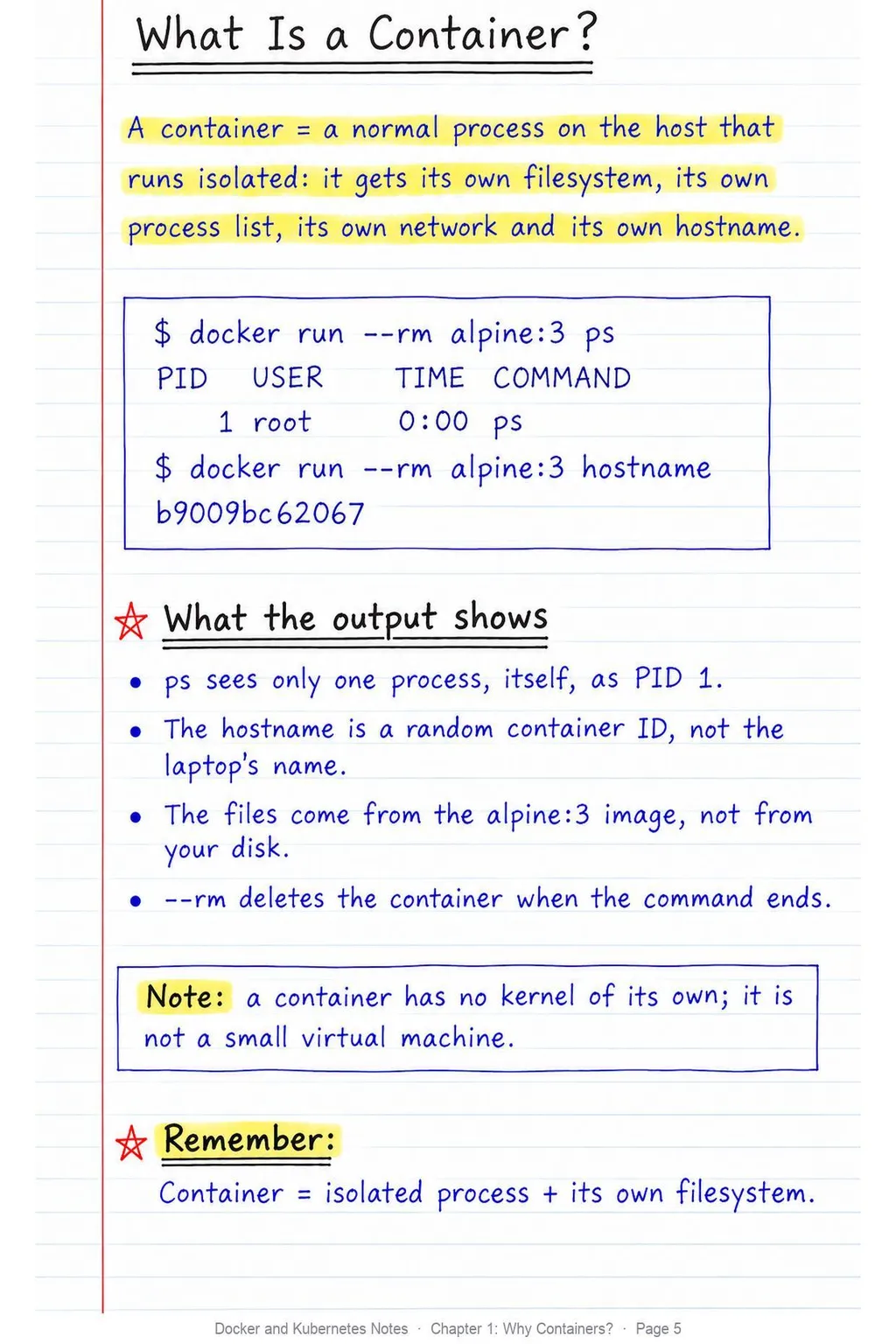
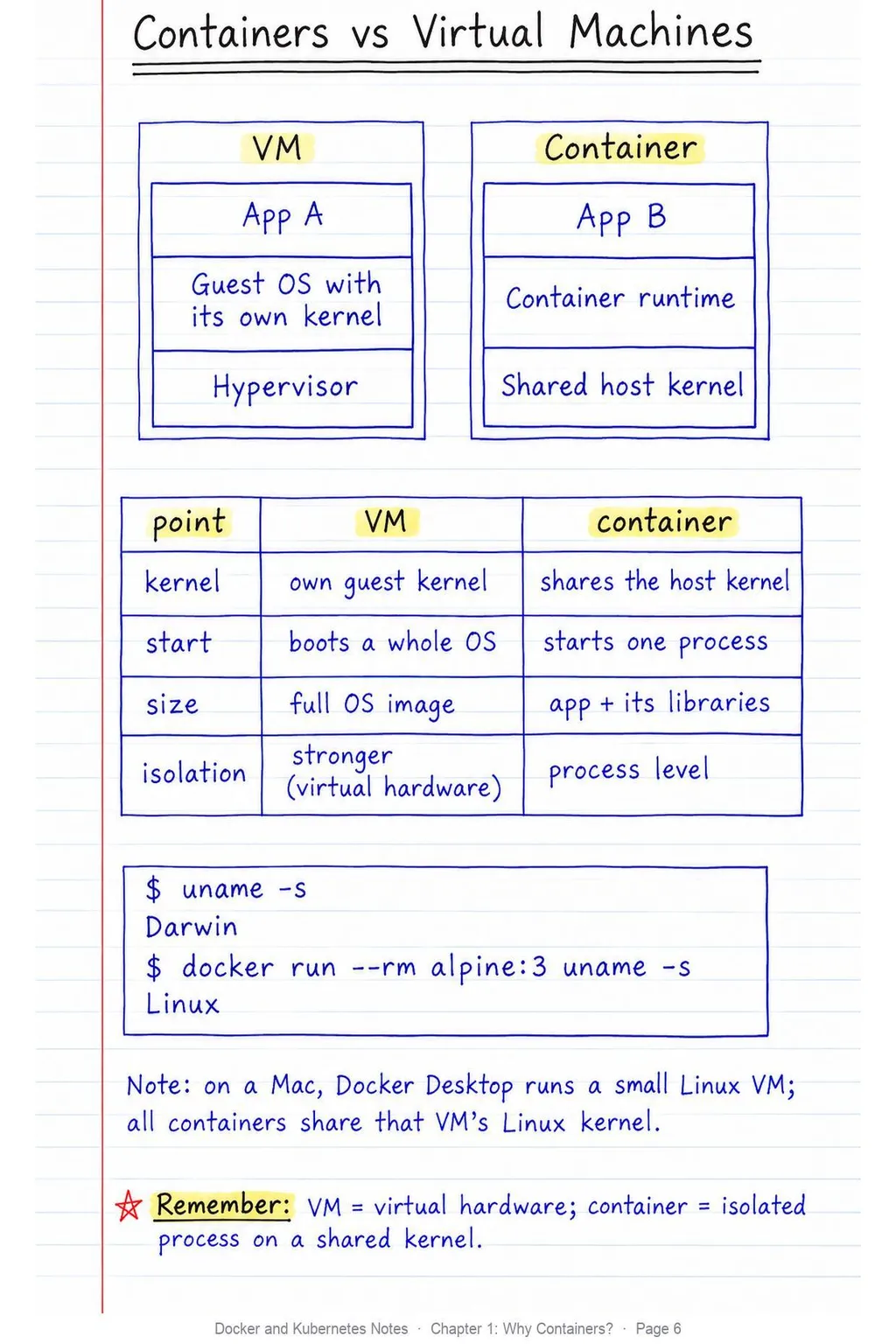
Understand why containers exist: the works-on-my-machine problem, containers versus virtual machines, namespaces and cgroups, images versus containers, the Docker parts, OCI standards and the NoteBox app.
Install Docker and run your first containers: docker version and info, hello-world, publishing a port with nginx, ps, logs, stop, start, restart, rm and docker exec for a shell inside a container.
Look inside images and containers: layers, the thin writable layer, image names, tags versus digests, inspect and history, run flags, the container lifecycle, restart policies, exit codes and cleanup with prune.
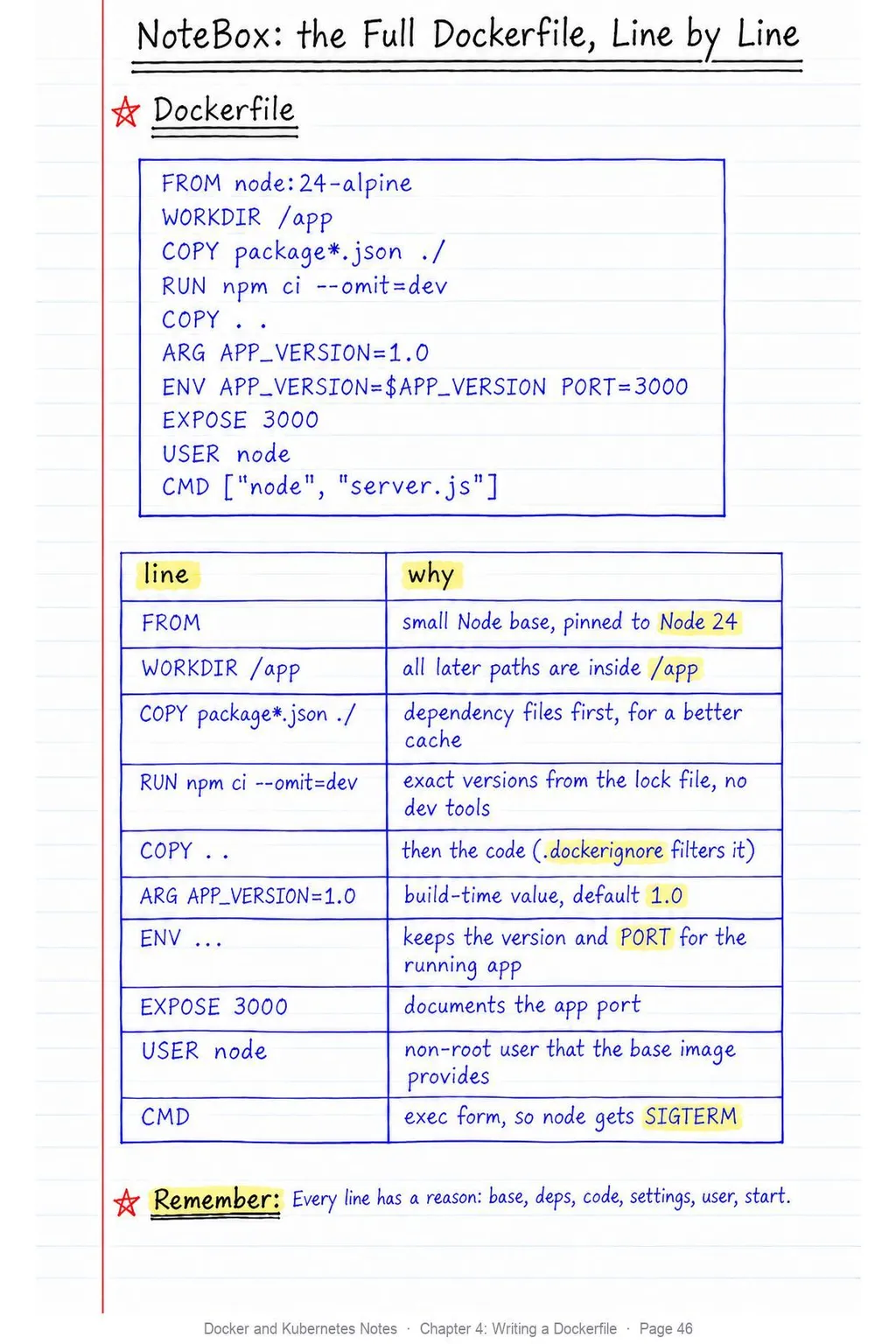
Write a Dockerfile: FROM, WORKDIR, COPY and ADD, RUN, CMD versus ENTRYPOINT, exec form versus shell form, ENV versus ARG, EXPOSE, USER, .dockerignore and the full NoteBox Dockerfile line by line.
Build smaller and faster images: how the build cache works, instruction order, multi-stage builds, base image choices, measuring size, BuildKit cache mounts, multi-platform images with buildx and a Dockerfile checklist.
Keep data safe with volumes and bind mounts: why container files disappear, named volumes, -v versus --mount, Postgres data that survives, live code mounts, read-only mounts, volume backups and common pitfalls.
Connect containers with Docker networking: publishing ports, bridge, host and none drivers, user-defined networks with DNS by name, the NoteBox API reaching Postgres, network commands and debugging.
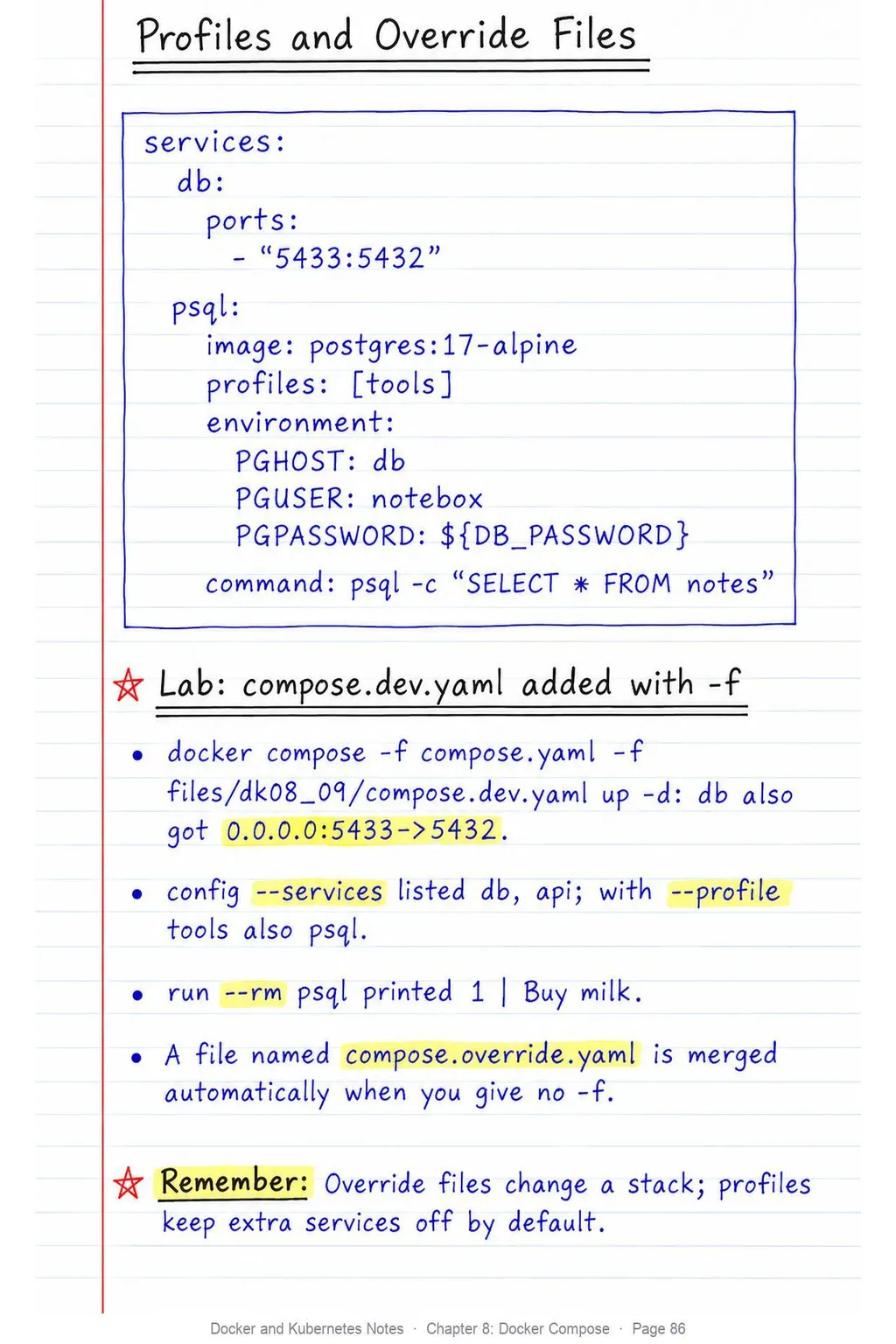
Run many containers from one file with Docker Compose: services, networks and volumes, up and down, build versus image, .env files, depends_on with service_healthy, profiles, compose watch and the full NoteBox compose.yaml.
Share images through registries: naming and tagging, login, tag and push, a tagging strategy beyond latest, a local registry, pulling by digest, save and load for offline transfer and private credentials.
Secure your containers: run as a non-root user, ship fewer packages, keep secrets out of images, scan images, use --read-only and --cap-drop, set memory and CPU limits, pin base images and follow a security checklist.
Debug containers and speed up your workflow: a debugging flow, containers that exit at once, log options, inspect with --format, stats and top, events, docker cp, HEALTHCHECK and common errors with fixes.
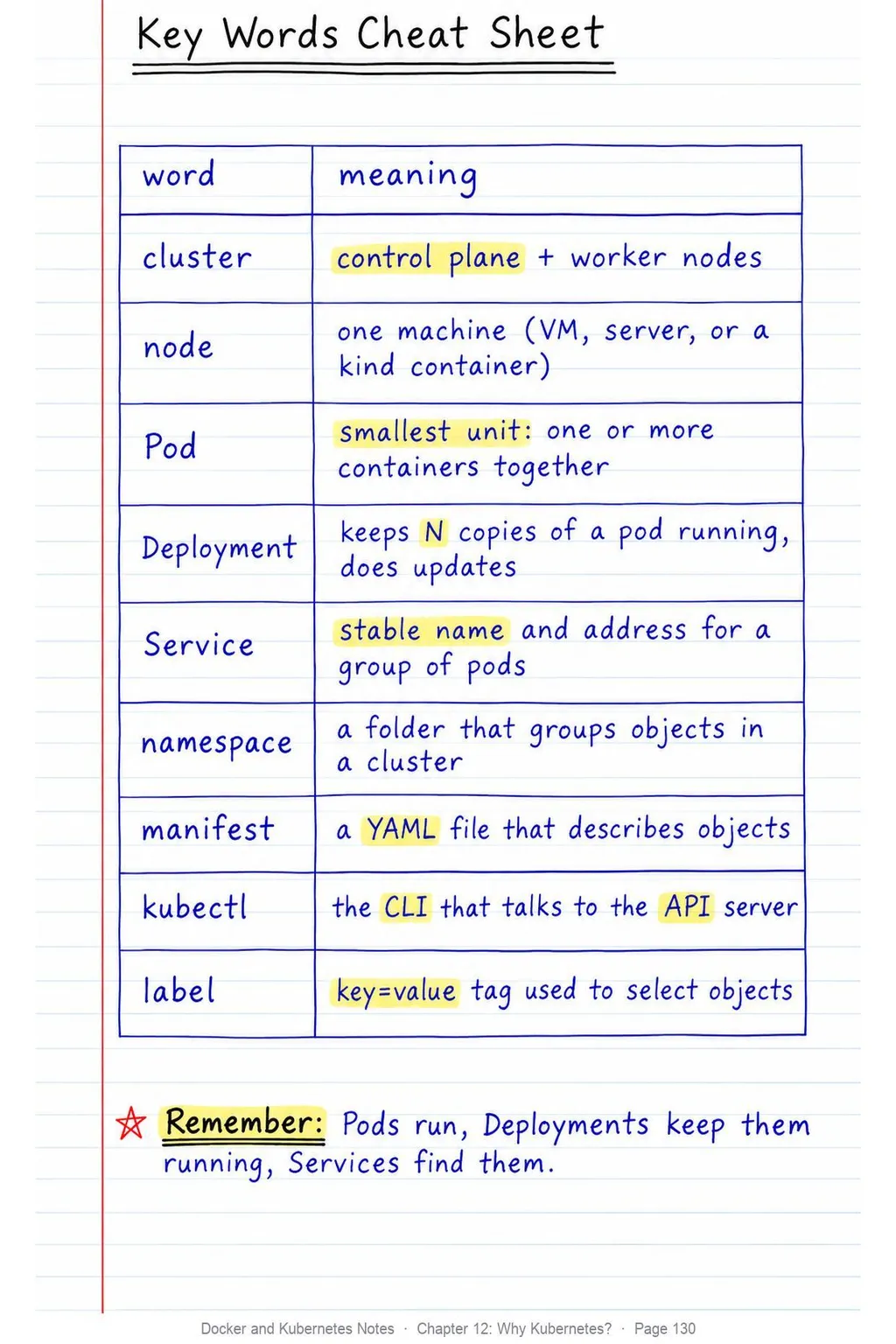
Understand why Kubernetes exists: desired state and the reconcile loop, the control plane and worker nodes, objects and their fields, declarative versus imperative, where it runs, Compose versus Kubernetes and key terms.
Set up a local cluster and use kubectl: kind, kubeconfig and contexts, get, describe, apply and delete, output formats like -o wide, yaml and jsonpath, kubectl explain and loading images into kind.
Work with Pods: shared containers, a first manifest, phases and container states, restartPolicy, labels and selectors, annotations, logs, exec and port-forward, sidecars, init containers and common error states.
Run apps reliably with Deployments: ReplicaSets, scaling, self-healing, rolling updates with maxSurge and maxUnavailable, rollout status, history and undo, the Recreate strategy, blue-green and canary releases.
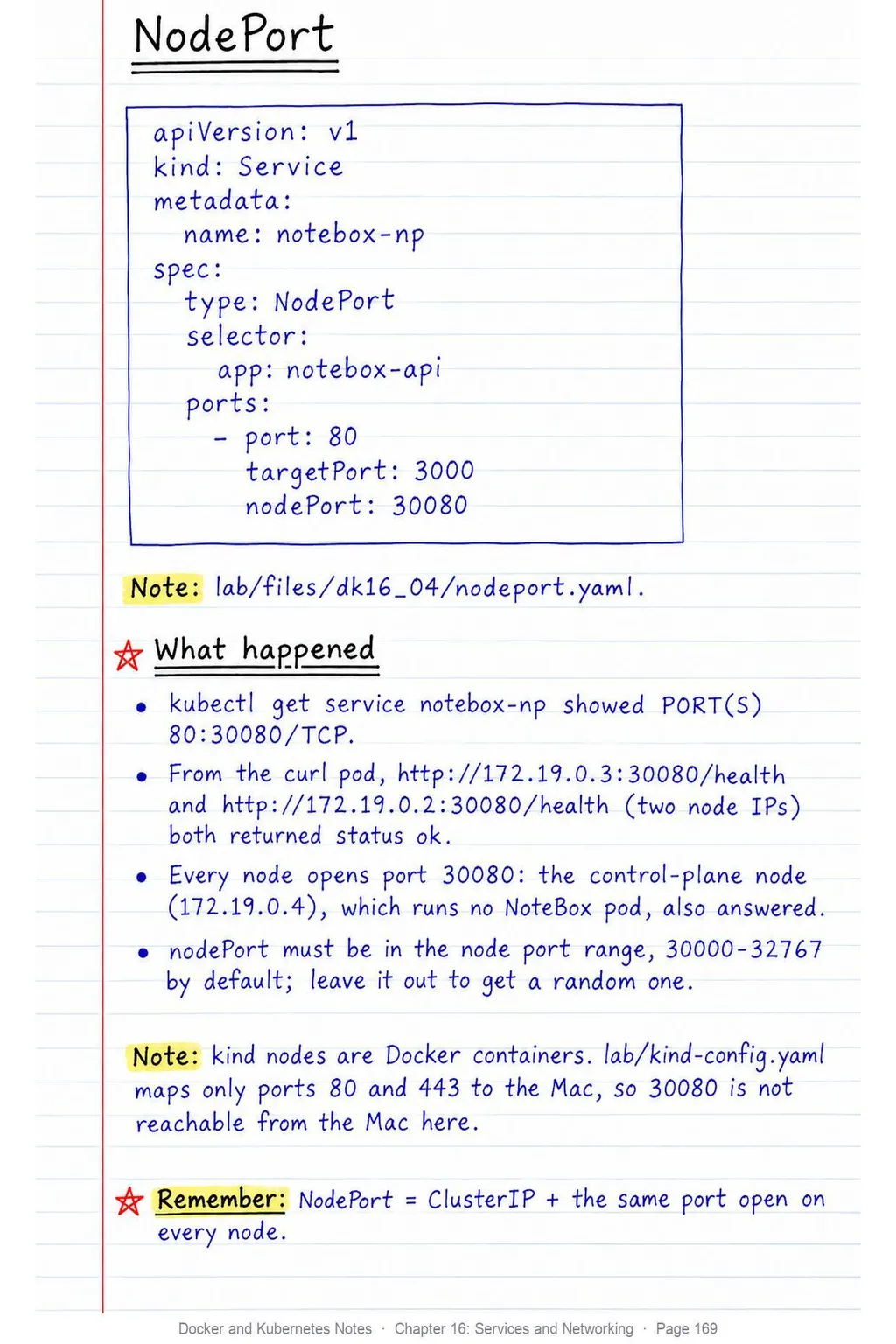
Expose apps with Services and networking: ClusterIP, service DNS, NodePort, LoadBalancer, selectors and EndpointSlices, Ingress with a controller, the Gateway API and NetworkPolicy for who may talk to whom.
Manage configuration and secrets: ConfigMaps, env and envFrom, config as files, Secrets and why base64 is not encryption, using Secrets in Pods, what restarts on updates and NoteBox database settings.
Handle storage and stateful apps: emptyDir, PersistentVolumes and Claims, StorageClass, access modes, reclaim policy, StatefulSets, headless Services, volumeClaimTemplates, Postgres as a StatefulSet and database trade-offs.
Keep apps healthy and scaled: liveness, readiness and startup probes, requests and limits, QoS classes, OOMKilled and CPU throttling, HorizontalPodAutoscaler, metrics-server, affinity, taints and PodDisruptionBudget.
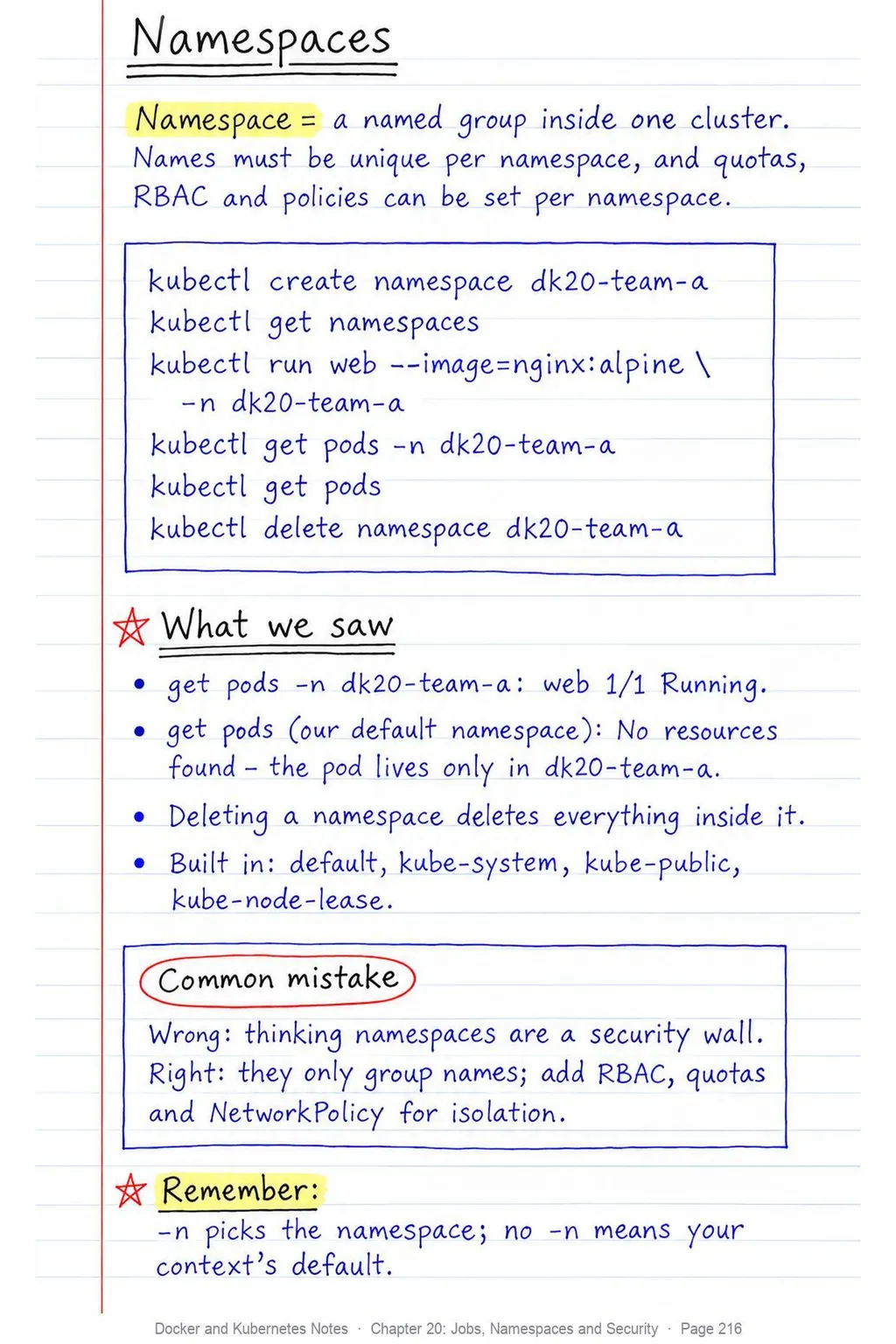
Use Jobs, namespaces and security controls: Job, CronJob, DaemonSet, namespaces, ResourceQuota and LimitRange, ServiceAccounts, RBAC, kubectl auth can-i, securityContext and Pod Security Standards.
Manage many manifests and operate clusters: Kustomize base and overlays, Helm charts, values and releases, GitOps with Argo CD and Flux, CI/CD, logs, metrics and traces, upgrades and managed Kubernetes.
Put it all together: deploy NoteBox on Kubernetes, test it end to end, roll out v2 and roll back, follow a troubleshooting flow, use the Docker and kubectl cheat sheets and prepare with interview questions and a roadmap.
Watch before you buy
Students on All Notes PDF
Real students talking about how they revise with our handwritten notes.
How it works
Get your notes in 3 easy steps
No app, no waiting. The whole thing takes under a minute.
- STEP 110 sec
Choose your notes
One subject, any two, or a full class set.
- STEP 230 sec
Pay with UPI or card
GPay, PhonePe, Paytm or card. Pay once, no subscription.
- STEP 3Instant
Download your PDFs
Tap Download on any chapter. Links never expire.
- Log in
- My library
- Download
What you get
- Format
- Downloadable PDF (not a printed book)
- Chapters
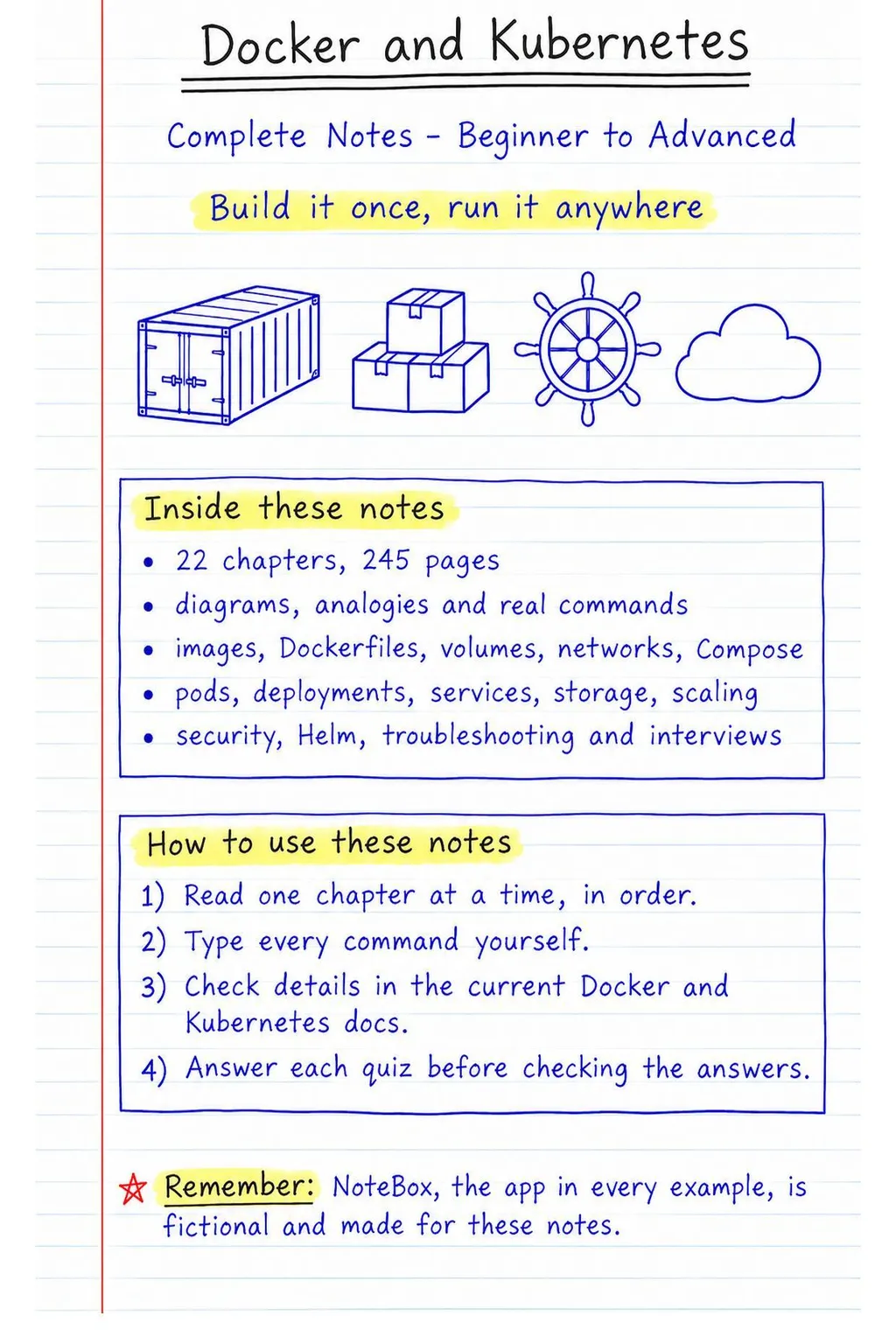
- 22 chapters in one 245 page PDF
- Level
- Docker & Kubernetes from beginner to advanced. No experience needed
- Style
- Handwritten-style notes with diagrams, code explained line by line, common mistakes and quizzes
- Devices
- Phone, tablet and laptop. Print any chapter if you like
- Access
- Lifetime. Download again anytime from My library
- Instant downloadRight after payment
- Free updatesCorrections added free
- Secure paymentUPI, cards, net banking